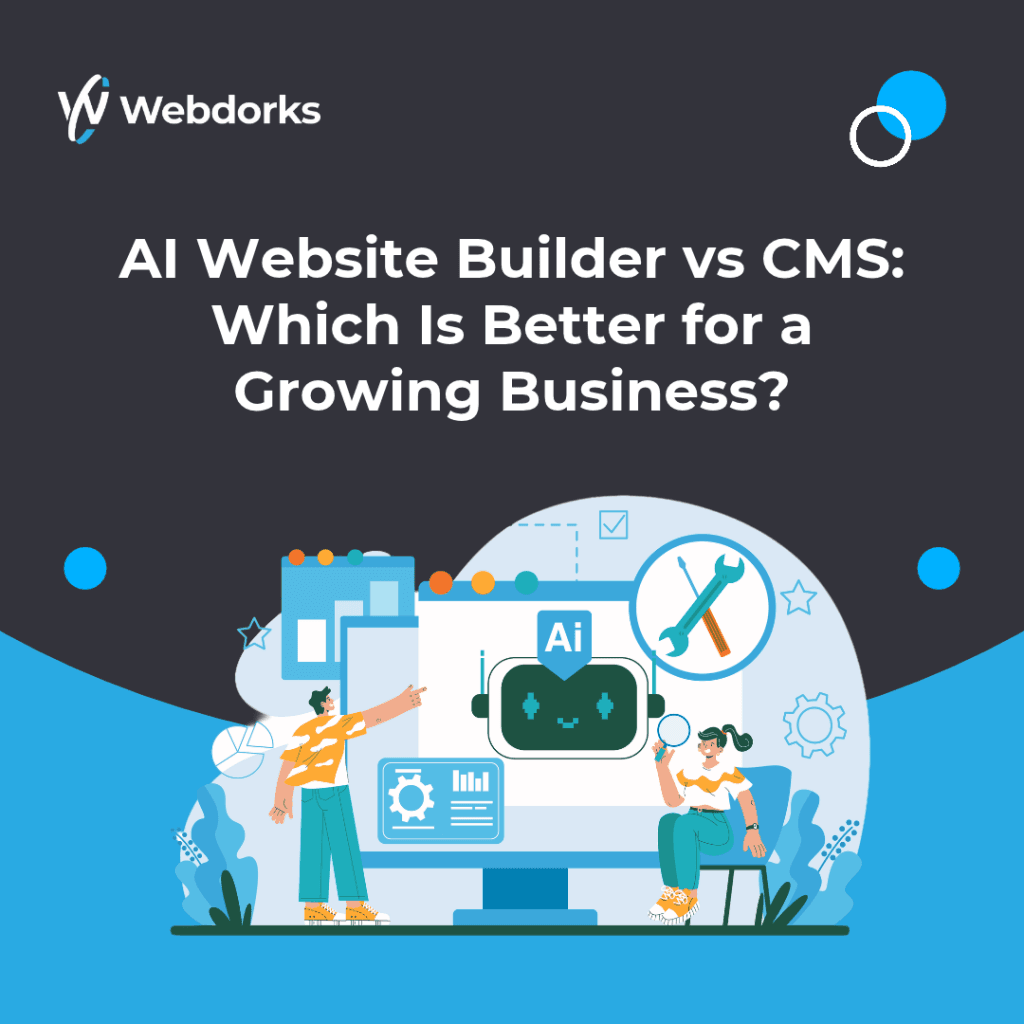
AI Website Builder vs CMS: Which Is Better for a Growing Business?
Summary
An AI website builder is useful for rapid drafts and simple sites, while a CMS is usually stronger when a business needs structured content, granular control, integrations, migration options and a long-term publishing workflow. Choose according to requirements, not the “AI” label. Both options can work well, depending on the business’s current needs and future plans.
AI Is A Method, Not A Website Category
Many platforms now use AI to generate layouts, copy or images. That can reduce setup time, but the finished website still runs on a platform with specific hosting, export, editing and integration limits. Ask what the system can do after the first prompt.
AI can help create an initial version, but businesses still need to review the content, design and functionality before publishing. The platform’s limitations also matter when the website needs more advanced features later.
Where AI Builders Fit
They can work well for prototypes, temporary campaigns, personal sites and small businesses with straightforward pages. A guided generator helps a non-specialist reach a usable first version quickly. The trade-off may be less control over code, data structure, advanced SEO, custom workflows or migration.
For example, a small business that needs a basic website with service information and a contact form may benefit from an AI builder. However, a growing business should check whether the platform can support additional pages, integrations and more complex requirements.
Where A CMS Fits
A mature CMS supports repeatable publishing, roles, reusable content types, plugins or extensions and established handover practices. It can be more suitable for multilingual sites, large resource libraries, ongoing SEO, multiple editors and integrations. It still requires design discipline, updates and maintenance.
For example, a business that regularly publishes articles, manages multiple service pages or connects its website to a CRM may benefit from a CMS such as WordPress. The right setup depends on the features required and the team’s ability to maintain it.
Compare The Ownership Questions
Confirm who owns the domain, content, design assets and data. Can the site be exported? Can redirects and structured data be managed? Are forms and analytics configurable? What happens if the subscription ends? Can another vendor take over without rebuilding everything?
These questions help reveal potential costs and limitations beyond the initial setup. A platform that is easy to launch may become less suitable if the business later needs greater control or flexibility.
Use AI Inside A Governed Workflow
The strongest option may be neither extreme. AI can accelerate research, drafts, wireframes and repetitive production while a CMS provides controlled publishing and ownership. Human review remains essential for accuracy, differentiation, brand tone, accessibility and conversion logic.
This approach allows businesses to benefit from AI without relying on generated content or designs without proper review. Teams can save time on repetitive tasks while keeping control over the final website.
Run A Three-Year Scenario
Before selecting a platform, imagine the website after three years: more pages, another language, a new CRM, several editors and a different agency. Ask how these changes would be delivered and priced. A fast launch is valuable, but avoid creating a future rebuild by ignoring content structure, redirects, ownership and export. Document the decision so future teams understand the original trade-off.
You do not need to predict every future requirement. Start with the changes your business is most likely to need and confirm that the platform can support them at a reasonable cost.
The Practical Takeaway
Treat this topic as an operating decision, not a one-off website task. Document the owner, desired outcome and next review date. Start with the highest-impact improvement, verify that it works for real users and keep evidence of the change. A focused, repeatable process will create more value than adopting tools or tactics without clear responsibility.
Review the result with both the person maintaining the website and the person accountable for customers or revenue. Their perspectives will expose different failures. Record what changed, what remains accepted as a limitation and which trigger should cause the next review.
Frequently Asked Questions
Are AI-built websites bad for SEO?
Not inherently. Search performance depends on accessibility, crawlability, content quality, speed, structure and authority—not the marketing label.
Is WordPress an AI website builder?
WordPress is a CMS, although AI tools can be added to its design and content workflow.
Which option is cheaper?
Initial price is only one factor. Include subscriptions, limitations, migration, maintenance and future development.
Can I move an AI-built website to WordPress later?
It depends on the platform’s export options. Content may be transferable, but layouts, functionality and integrations may need to be rebuilt.
Which option is better for a growing business?
An AI builder may suit a simple website, while a CMS may be more suitable for complex content, integrations and ongoing expansion. Compare your actual requirements before deciding.
Related Services:
Next Step
Request a practical website review from Webdorks to identify priority risks, performance issues and next actions.